- Dec 20, 2024
5 Reasons Your Small Ministry Needs FreeShow
- Garry Buycks Jr.
- FreeShow, Presentation Software, Media Ministry
- 4 comments
FreeShow is a game-changer for small ministries, offering powerful features that rival the industry standard, ProPresenter. Whether you're a seasoned media professional or a volunteer just starting, FreeShow gives you the flexibility to create stunning presentations while building your skills and confidence. At absolutely no cost, it’s an ideal solution for ministries on a budget.
Here’s why FreeShow is the perfect tool for your media team:
1. Auto-Populated Song Lyrics
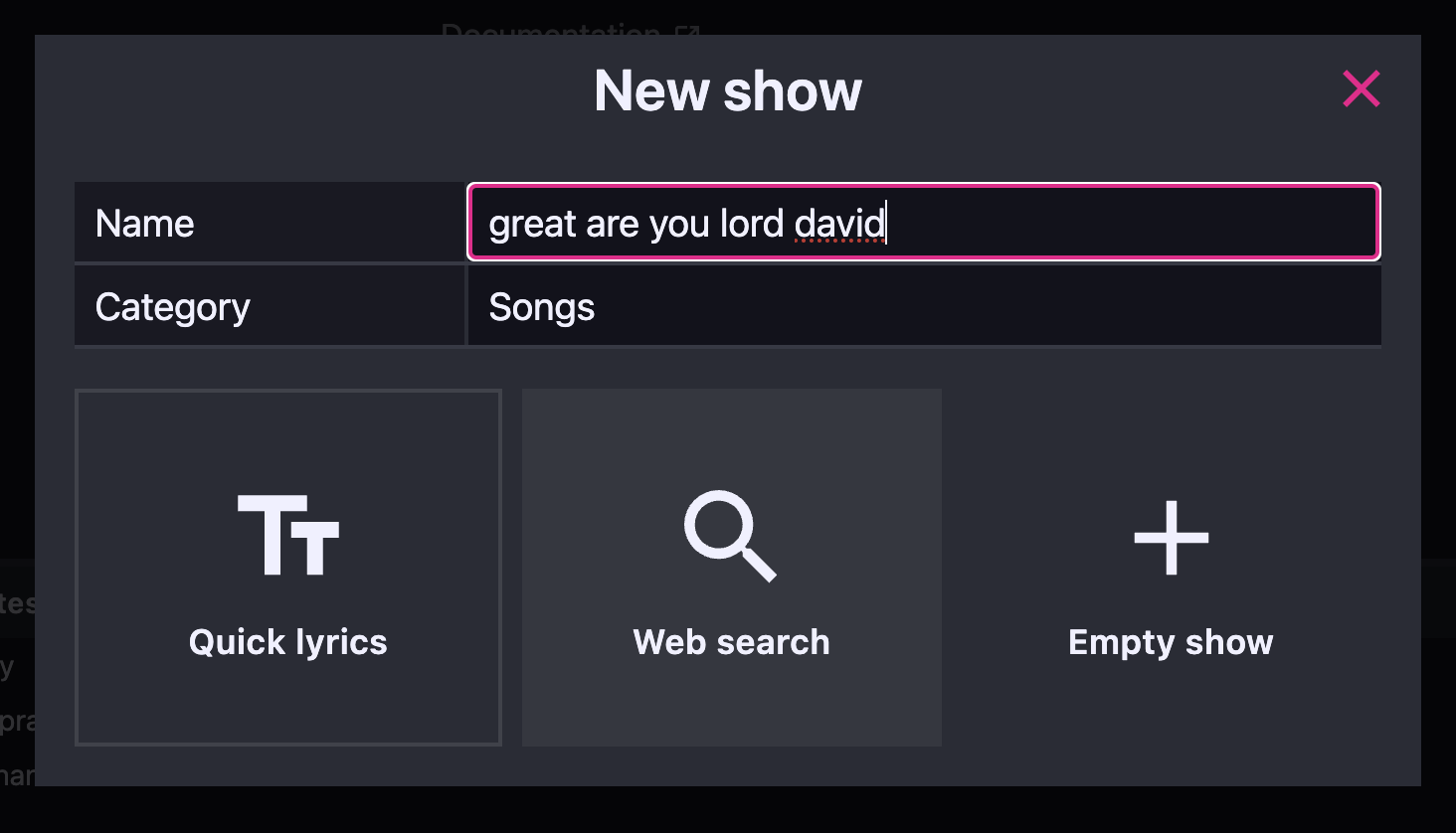
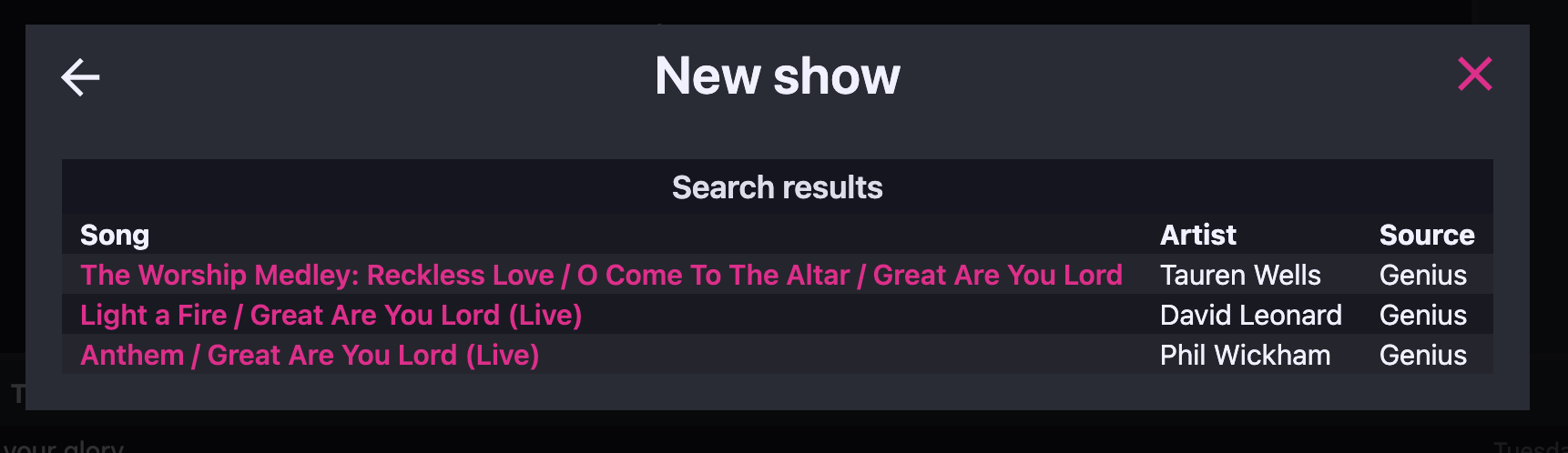
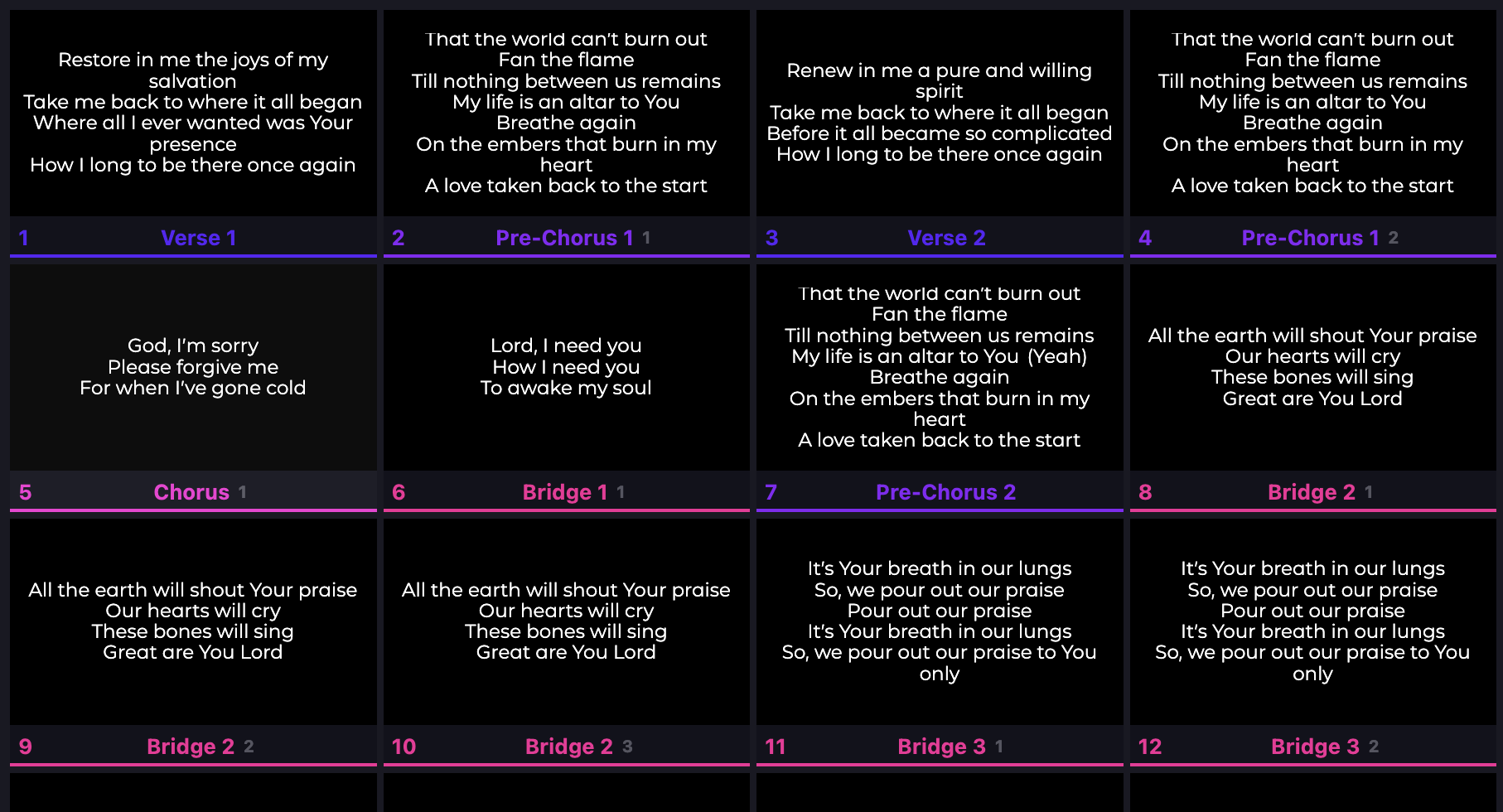
One of the most time-consuming tasks for media teams is adding song lyrics with the correct formatting. FreeShow makes this process effortless. Simply type the song’s name, click "Web Search," and FreeShow will populate the lyrics, titles, authors, and source. You can even narrow the search results by artist name. Once you select the correct song, FreeShow will automatically organize it by verse, chorus, bridge, and more—saving you valuable time and reducing the risk of errors.
2. Multiple Screen Outputs
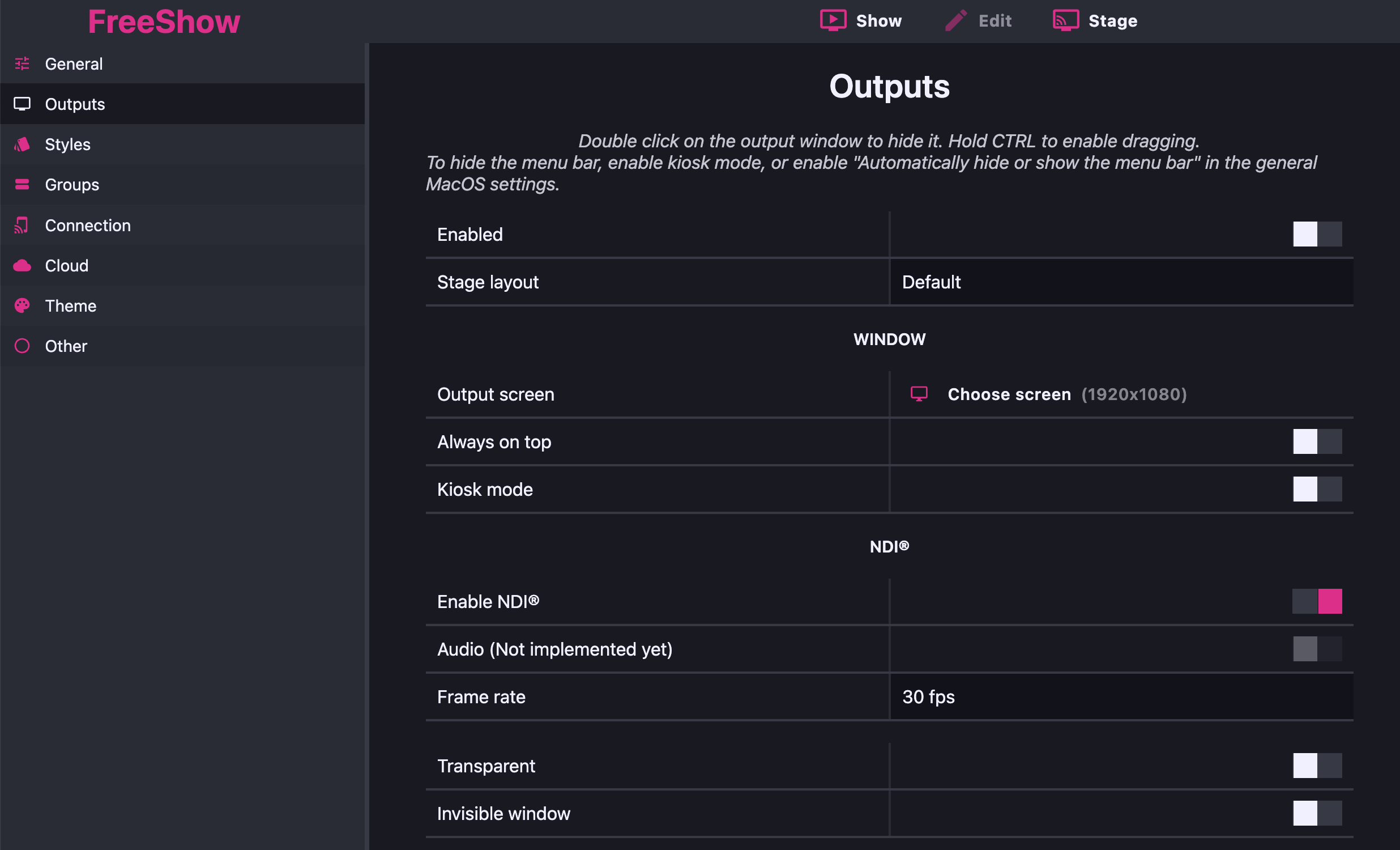
Whether you’re using one screen or planning to expand to multiple displays, FreeShow allows you to customize each output for maximum impact. For example, you can have one screen showing lyrics and scriptures for your congregation, while another shows time, slide previews, or even lyrics overlaid on video for your livestream audience. The possibilities are endless, and you can even control each output remotely through an internet browser.
3. Seamless Integration with Online Media
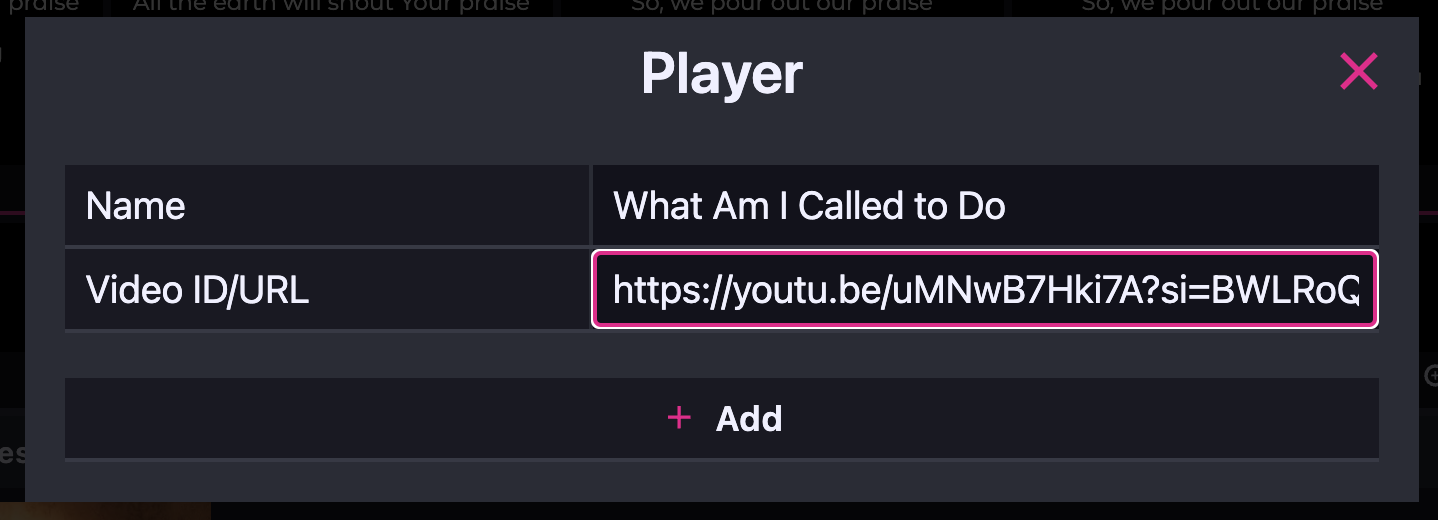
FreeShow makes it easy to incorporate YouTube, Vimeo, and other online media directly into your presentation. Just paste a link, and FreeShow will pull the video into your show without leaving the program. You can also access free stock images from Pixabay and Unsplash, adding visual depth to your presentations without extra costs or software. This gives you the freedom to add media on the fly, without having to pre-record or jump between different programs.
4. Real-Time Editing
Unlike traditional presentation software like PowerPoint, FreeShow allows you to make real-time edits to backgrounds, text styles, and slides—without interrupting the flow of your service. Need to add scriptures last-minute or change a slide during the service? No problem. With FreeShow, changes are instantly visible on-screen, so you never miss a moment. Whether it’s an impromptu worship song or a late scripture request, you can keep everything flowing smoothly.
5. iPhone Camera Integration
If your ministry relies on smartphones as cameras, FreeShow offers seamless integration with your iPhone (on Apple computers). You can use your iPhone as a wireless video input, offering an affordable and flexible roaming camera solution. This feature is perfect for ministries looking to add dynamic video angles without investing in expensive camera equipment.
And It’s Free!
Most presentation software geared toward ministries comes with a hefty price tag. But FreeShow breaks that mold. While "free" is often associated with low quality, FreeShow is anything but subpar. In fact, after testing it, I found the user experience to be on par with some of the paid industry standards like ProPresenter. With FreeShow, you get the same high-quality features at no cost, allowing your ministry to reallocate funds for other areas—whether it’s camera equipment, software upgrades, or enhancing your computer system.
Is your ministry ready to take its media presentations to the next level? FreeShow’s powerful features, ease of use, and zero cost make it the perfect tool for churches of all sizes. Don’t let your budget hold you back from delivering high-quality media—try FreeShow today and see how it can transform your ministry’s presentations.
4 comments

Hi Garry
How does the iPhone Camera integration work?
If your iPhone is linked (connected previously as a camera by plugging iPhone in and trusting the iPhone and computer) to your computer it will automatically connect when you open the "cameras" option on the media tab. Another way, is to use the NDI camera app on iPhone/Android then open the "screens" option under the "media tab" and select "NDI" on the bottom right. This will work for any phone/camera that is on the same network (even if not linked to the computer). From my experience the wireless camera linked iPhone is a smoother image.
Thank you. Which NDI camera app for iPhone do you recommend?
I’ve always used this one. https://apps.apple.com/us/app/ndi-hx-camera-easy-streaming/id1477266080